Krepost Website: https://krepost.minrax.com/
Krepost on Google Play: https://play.google.com/store/apps/details?id=com.minrax.krepost
Your phone holds a lot of personal things. Photos you don’t want everyone to see, copies of your passport and ID, work documents, private videos, scanned contracts and files you might need years from now.
You probably wouldn’t leave all of them lying around for anyone to open. So why leave them in an ordinary phone gallery or downloads folder?
Krepost gives your private files a place of their own.
Everything you want to keep private, in one place
Krepost is a private vault for your photos, videos, documents and other files. Import the things you want to protect, organize them into folders and keep them behind your own password or unlocking pattern.
It doesn’t matter whether it’s a photograph, a PDF, a business document, an audio recording or an archive. Krepost can store them all.
Your files are encrypted
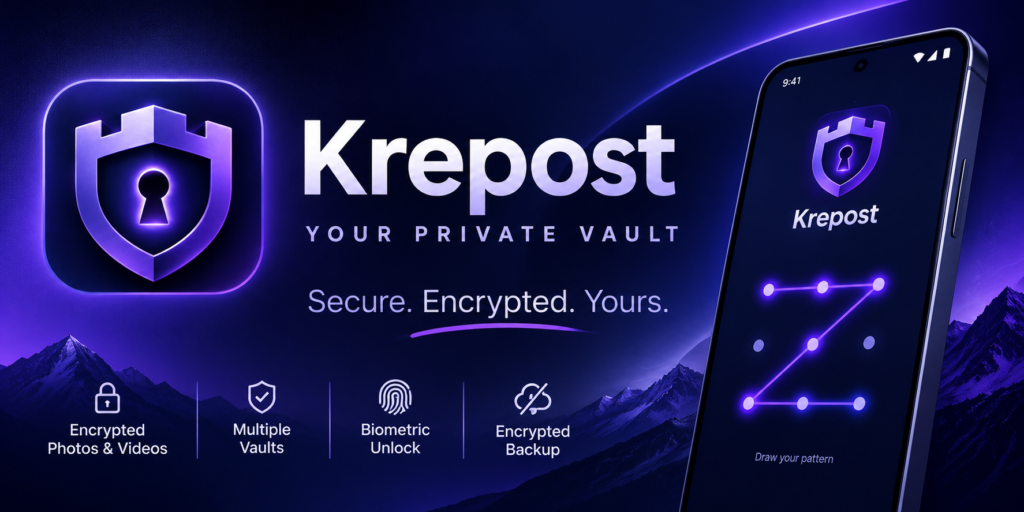
When you add a file to Krepost, it’s encrypted before being saved in the vault. Someone browsing your phone’s storage won’t find your private photos and documents sitting there in their original form.
Each vault has its own encryption keys and access credentials. Your files remain protected even when you close the app.
We don’t need your photos or documents, and you don’t need to create an account to use the local vault.
Make room for more than one private life
You might want one vault for personal photos, another for work documents and a third for things you’d rather keep to yourself.
Krepost lets you create separate vaults, each with its own unlocking pattern. Open the one you need and get straight to your files.
Forgotten your password? You have a way back.
During setup, Krepost gives you a personal recovery phrase. Keep it somewhere safe. You can use it to regain access to your vault if you forget your original credentials.
You can also create an encrypted backup of your vault and store it separately. Should you change phones or need to restore your files, you’ll have a backup to work with.
Just remember to keep your recovery phrase safe. Without your credentials or recovery information, nobody can simply reset access to your encrypted files.
Simple to use, easy to live with
Import photos and videos from your phone, browse them in a private gallery, create folders and find what you’re looking for. When you need a file back, export it.
Krepost locks automatically after a period of inactivity, so you don’t have to remember to close your vault every time.
There are no advertisements interrupting your experience.
Get started for free
Krepost’s free version gives you up to five vaults, with as many as 100 files in each. You get the same underlying file encryption and recovery protection as Premium users.
When you need more room, Premium removes the vault and file limits.
Your private files belong to you. Keep them that way.
Krepost. A safe place for the things you want to keep to yourself.